I stopped handing people slides a few years ago, and I stopped handing them Figma prototypes last year. Both ask the viewer to imagine: imagine this in the product, imagine it with real data, imagine it at the size your customers actually run. People are generous, and they imagine the best case. Then the built thing arrives and the first review is the first honest one.
The method
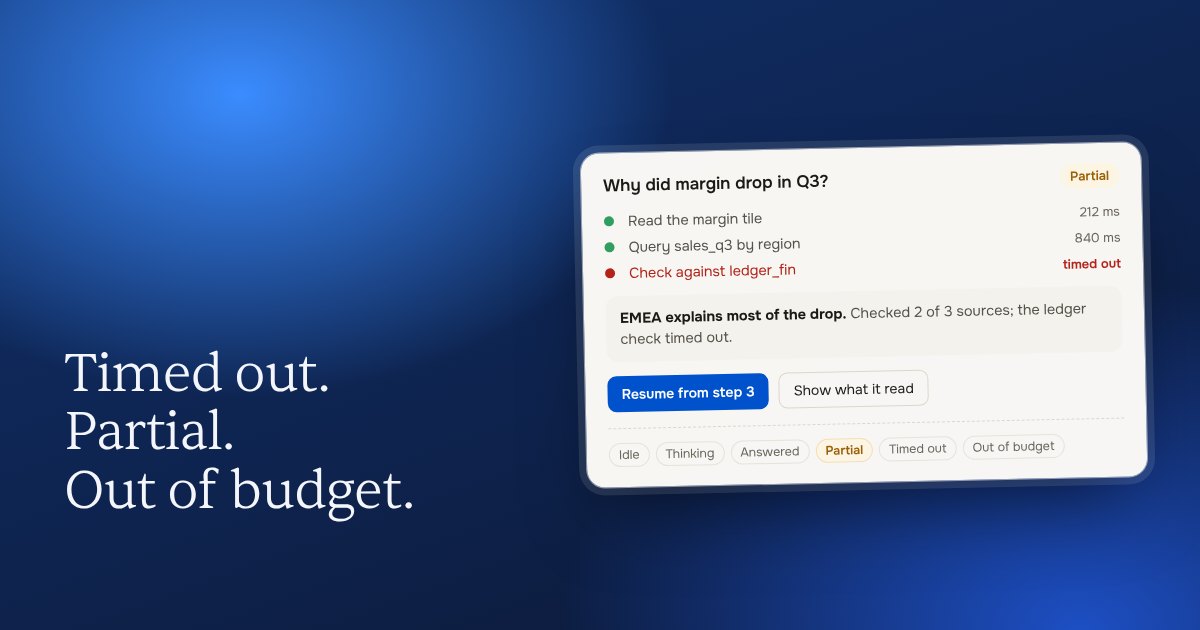
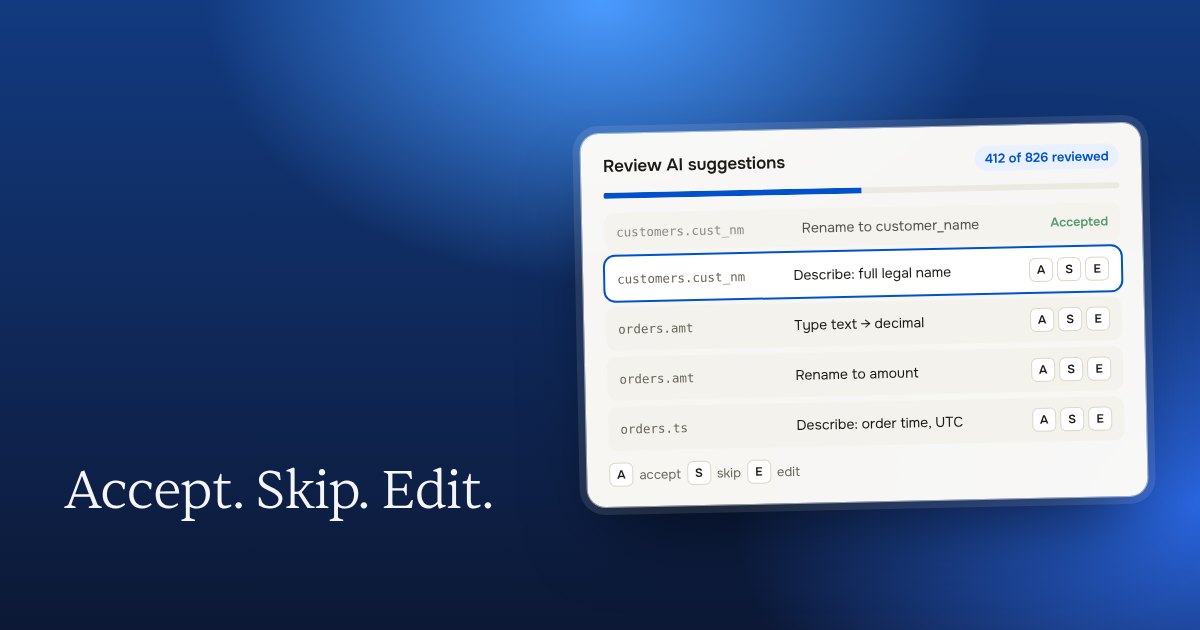
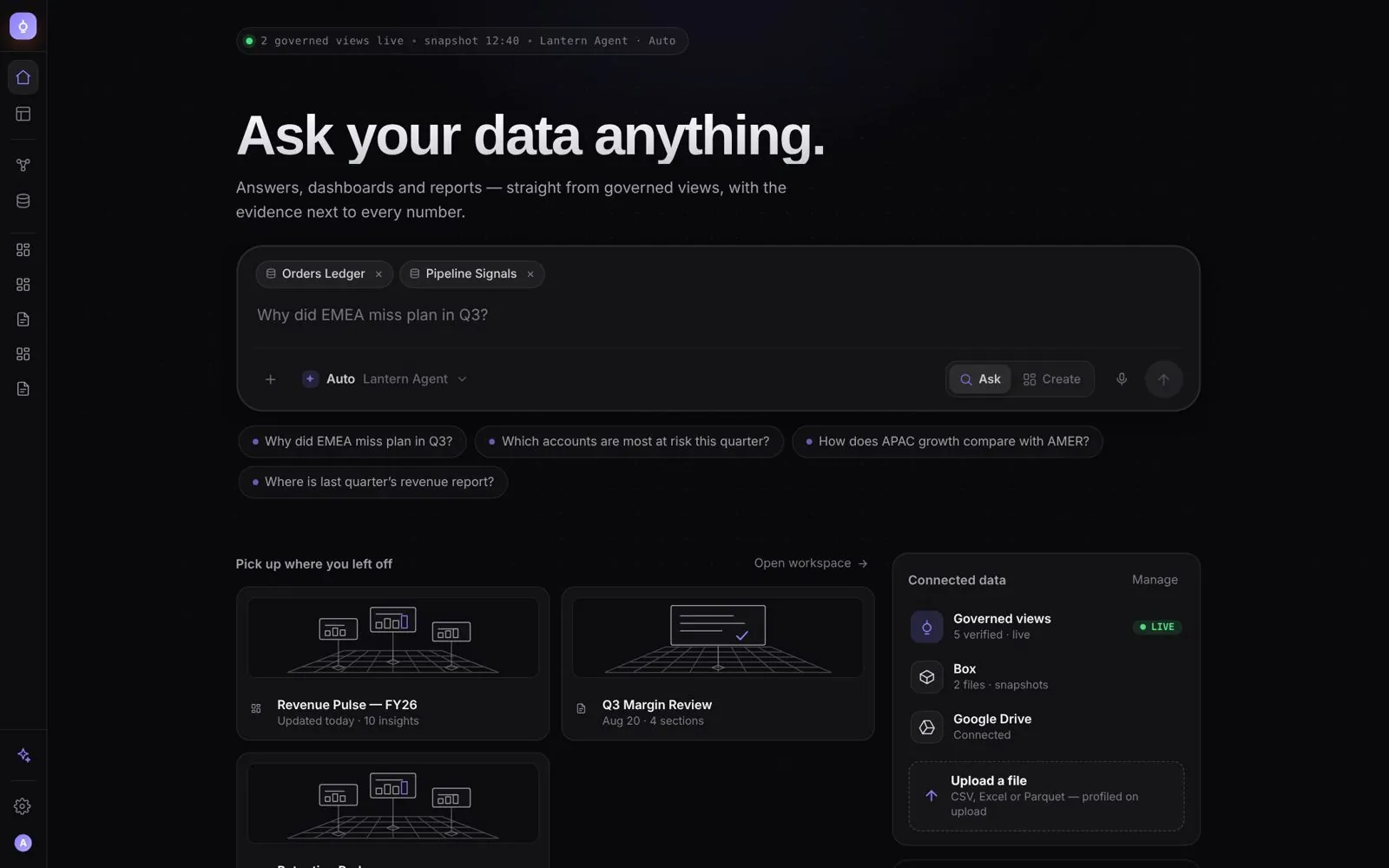
Take a snapshot of the live product: the real shell, the real navigation, the real design system. Inject a low-fidelity HTML version of the new feature into it. Fill it with data at realistic scale: a thousand columns, ten thousand schemas, four hundred recipes in a pipeline. Then put it in front of the people who decide.
Low-fi is a feature. The new part looks unfinished on purpose, so the review is about the decision and not the pixels. The rest looks exactly like the product, so nobody has to imagine where it goes.
Why decisions get faster
Three reasons. The shell removes the question “where does this live?”, which otherwise takes half the meeting. Real scale removes the question “but what if there are a lot of them?”, which otherwise comes back as a bug. And an HTML prototype can be handed to the engineers as the spec: the tokens, the states and the behaviour are already in the language they build in.
Review it before anyone has to ask
Two tools grew out of this. Review Mode gives every prototype a button that plays each feature by itself, resets, and shows which ticket it belongs to, so a product manager reviews without a meeting. UX Crit, my design review plugin, audits the prototype before a human does (eight skills, an auditor, a verifier that kills the false positives), and its first large run found sixteen confirmed issues on one feature, all fixed before the stakeholder review.
The cost
It is more work up front than a Figma frame, and it needs a designer who can write HTML on the real design system. In return the decision is made on the thing itself. I have not found a cheaper way to be right.